Apple's Screen Distance skipped the Mac. So I tried every app that didn't.
Apple shipped Screen Distance on the iPhone three years ago. It still hasn't appeared on the Mac, which is the device most of us spend the longest with our nose closest to. So I went looking for what was filling the gap, mine and everyone else's, and tried every Mac app in the category.
If you own an iPhone with Face ID, your phone already nags you when you hold it too close. It's called Screen Distance, and Apple slipped it into Screen Time back in iOS 17. The phone watches the gap between your eyes and the glass, and if you're closer than about 30 cm for more than a few minutes, it blanks the screen until you back off. On kids under 13 it's on by default.
Now look at how you actually use your Mac. You sit down at 9am. By 11 your face is closer than it was. By 2pm you've finished lunch at the keyboard and your nose is a hand-span from the panel. By 5 you've got that low-grade behind-the-eyes ache nobody talks about. iPhone users get a built-in fix for the smaller, occasional offender. Mac users, who have the worse version of the same problem, get nothing.
That's the gap DistanceDefender is built for. The rest of this post is how it stacks up against Apple's first-party version, the timer apps everyone tries first, the blue-light filters that quietly aren't the same product, and the smaller posture and blink apps living in the corners of the App Store.
The screen-distance gap is real, and there's data behind it
Two things in the eye-care literature are pretty solid. First, near work (reading or screen use at short distances) is one of the strongest behavioural correlates with myopia progression in children. A 2022 review in Cureus found the odds of myopia rose roughly 2% for every extra dioptre-hour of near work per week. Second, the 20-20-20 rule (every 20 minutes, look 20 feet away for 20 seconds) is recommended everywhere even though the direct evidence behind it is patchier than most blog posts admit. Some studies show a benefit, some show no measurable change, and at least one suggests a longer break (five minutes per hour) does more good than three twenty-second pauses.
Both findings point the same way: distance and breaks both matter, and we're terrible at watching ourselves do either one. You can pin the 20-20-20 rule to the bezel and still lean in for the next ninety minutes without noticing. I have, more times than I want to admit.
That's the job for a camera-based monitor. It does the noticing so you don't have to.
How DistanceDefender works in one paragraph
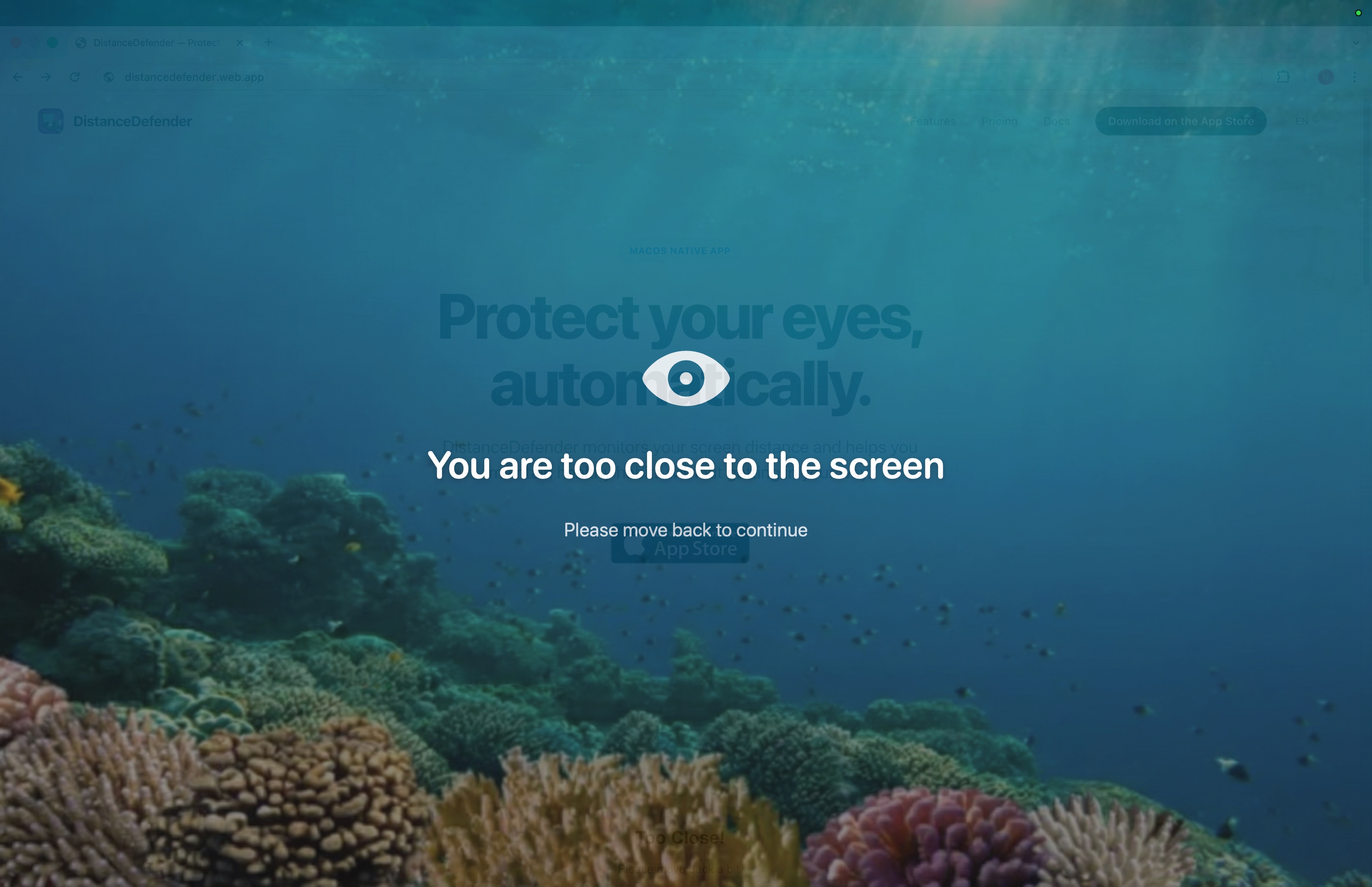
It lives in your menu bar. About once a second it grabs a low-resolution frame, runs Apple's on-device Vision framework to find your face, and measures how big that face is inside the frame. Bigger face means closer face. The image itself is gone the moment the measurement is done. If you've been too close for too long, an overlay fades onto the screen until you move back. A separate 20-minute timer waits for your face to leave the frame, then counts down twenty seconds of actual looking-away before resetting. Nothing leaves the Mac, because the app doesn't have permission to use the network at all. That's the whole loop.
Apple's Screen Distance vs DistanceDefender
This is the comparison I care about most. Screen Distance is the closest thing to a first-party version of what DistanceDefender does, and it's a useful tell for what Apple thinks the feature should look like.
Apple's Screen Distance lives inside Screen Time. It uses the TrueDepth camera, the infrared dot projector that powers Face ID, to literally measure the distance from your face to the screen. Cross 12 inches for a sustained period and the screen blacks out with a "move iPhone farther away" message. Accurate, simple, and on by default for kids under 13 in a Family Sharing group.
What Apple hasn't shipped is any version of this on the Mac. No TrueDepth on a Mac, so no feature. Even iPads without the depth sensor are left out. Which is the part I find strange, because if you ask people which Apple device they spend the longest hours closest to, almost nobody answers "iPhone".
DistanceDefender takes the next-best route available without TrueDepth. The size of your face inside a regular camera frame is a fine proxy for distance once you've calibrated against your usual seat. There's an auto-calibrate button that does the calibration for you, a sensitivity slider for fine adjustment, and a delay setting so you can lean in to read a code review without an overlay slapping you five seconds later. Thirteen alert themes ship if the default black panel annoys you. Some of them look more like a wallpaper than a warning, which I find easier to tolerate after the third interruption of the day.
| Feature | Apple Screen Distance | DistanceDefender |
|---|---|---|
| Works on Mac | No | Yes |
| Works on iPhone / iPad with Face ID | Yes | No |
| Sensor | TrueDepth IR | Front camera + Vision framework |
| Threshold tuning | Fixed 12 in | Auto-calibrate + 1–10 slider |
| Alert delay | Fixed | 5–60 s |
| Themes / look | One look | 13 themes + custom image |
| 20-20-20 break timer | No | Yes (verified by face detection) |
| Child lock | Screen Time PIN | Password + camera-cover detection |
| Data leaves device | No | No (no network entitlement) |
Time Out, Stretchly, Awareness: timer-based break apps
These are the apps most Mac users land on first. Free or close to it, well known, and quietly doing a different job from DistanceDefender, which is the thing the listicles tend to gloss over. So, briefly, what each one actually is.
Time Out is the polished, Mac-native pick. It runs two timers (normal breaks and micro breaks), both deeply configurable, and when a break fires the screen dims with an overlay you can't dismiss until the timer's up. It's free with optional supporter purchases.
Stretchly is the cross-platform open-source one. Twenty-second mini breaks every ten minutes, five-minute long breaks every thirty. Softer enforcement than Time Out: the reminder is a window you can dismiss or postpone. It runs on macOS, Windows, and Linux.
Awareness is the quietest of the three. It chimes hourly, tells you how long you've been at the screen, and otherwise stays out of the way.
None of them watch your distance. Worse, none of them can tell whether you actually looked away during the break they prescribed. You can stare directly at the dim "take a break" overlay for the full twenty seconds, eyes locked on the same patch of glass, and the timer will mark it complete. I have done exactly this. You probably have too.
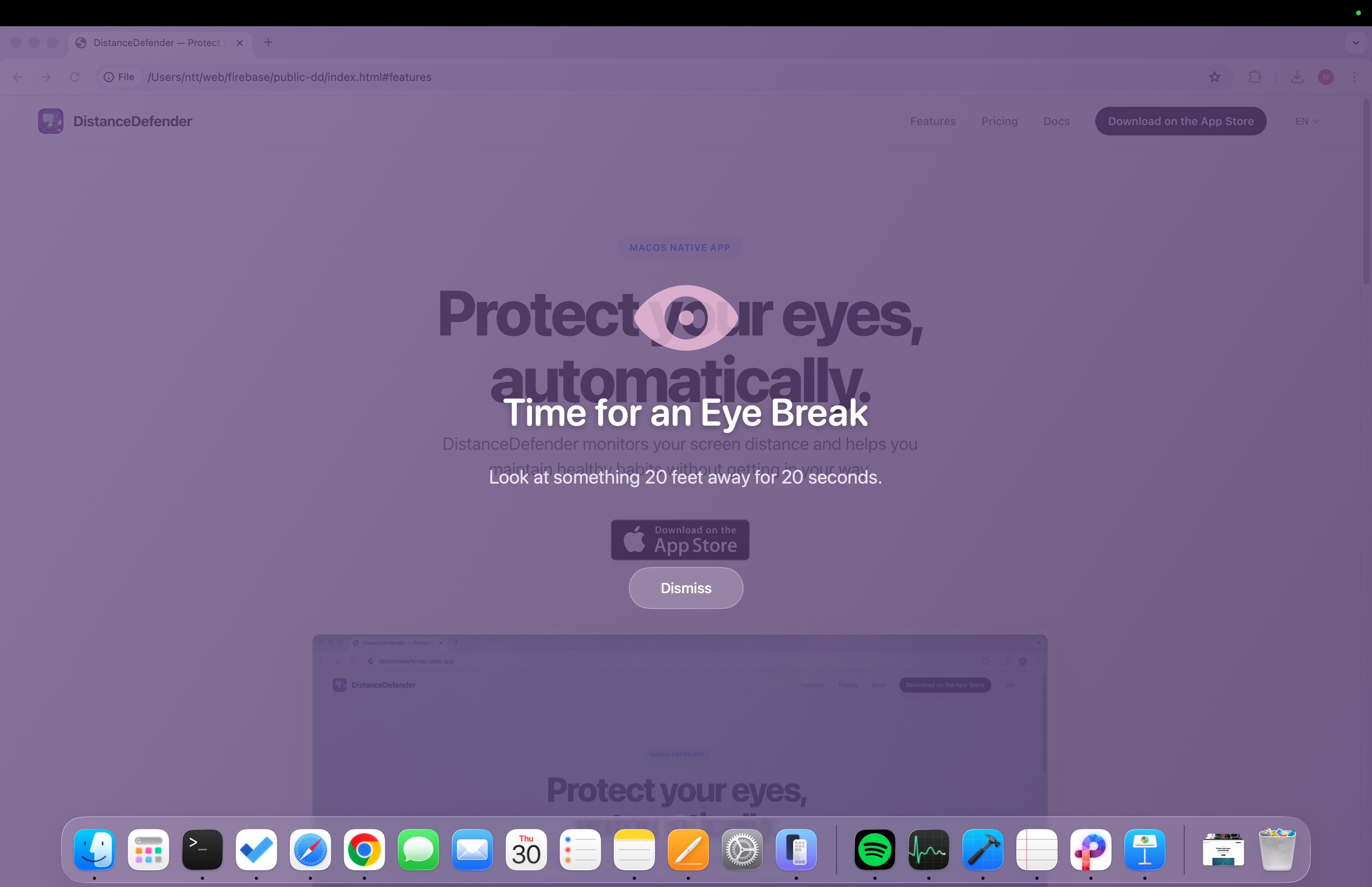
DistanceDefender's break system is closer to a fitness tracker than a kitchen timer. At the 20-minute mark it waits for your face to leave the camera frame, then counts twenty seconds of real looking-away. Try to skip it and the app knows. Walk away from the desk for a minute or more and the app counts that as a natural break, resets the timer, and doesn't nag you when you come back.
Which to use depends on how much honesty you want from your break app. If you'd rather have a soft reminder with no camera involved, Stretchly is great and costs nothing. If you want the app to verify you actually did the break, DistanceDefender is the only Mac option I've found that does.
f.lux, Night Shift, Iris: blue light filters
These keep getting bundled in with eye-strain apps in the round-ups and they really shouldn't be. f.lux, Apple's Night Shift, and Iris warm the colour temperature of your display in the evening. The pitch is that less blue light at night means less eye strain and easier sleep.
The sleep argument has some support, especially in the hour or two before bed. The warmer screen is also easier on the eyes once the sun goes down. None of which addresses how close you sit or whether you ever take a break. Warmer pixels don't make you sit back. Different problem, different fix.
They stack, if anything. Night Shift or f.lux after dark, DistanceDefender during the day, and a real pair of glasses from an optometrist who has actually looked at your eyes. Anyone selling a single app that "fixes eye strain" is selling something. Probably the app.
Eyeleo, PostureMinder, LookAway, Skopia: the rest of the field
Eyeleo is timer-based like Time Out, but it bundles a guided eye-exercise routine into the break. Useful if you'll actually do the exercises, which I rarely did. Like the other timer apps, it has no idea where your face is.
PostureMinder is a browser extension. It prods you about your posture on a fixed timer. There's no camera and no verification, and it only works in the browser, so the moment you switch to Xcode or Figma it goes quiet. Light and harmless.
LookAway is probably the prettiest app in the category. It nudges you toward breaks, reminds you to blink, has a really tasteful menu bar UI, and adds posture prompts. It doesn't measure distance.
Skopia is about blinking. The argument is that people blink less when concentrating, their eyes dry out, and a reminder helps. The team has talked about adding on-device blink detection via Vision framework. Until that ships, it's a timer with a tighter focus than the others.
Summary of the field: most Mac eye-health apps are timers with prettier UIs. The handful that touch the camera focus on blinking or posture, not on distance. Distance is the gap.
The privacy piece, because it always comes up
"Wait, you use the camera continuously?" Yes. It's the first thing every reviewer asks, and "we promise" isn't a good answer. Here's the actual one.
DistanceDefender is sandboxed under macOS like every Mac App Store app. It requests the camera entitlement, com.apple.security.device.camera. It does not request the network entitlement, com.apple.security.network.client. Without the network entitlement, macOS itself refuses every outbound connection from the app at the operating-system level. If a future bug, or a rogue line of code, somehow tried to phone home, the kernel would block it before the packet left the machine.
Run this in Terminal if you want to verify:
codesign -d --entitlements - /Applications/DistanceDefender.appYou'll see the camera entitlement listed. You won't see the network one. That's a guarantee any competitor with a backend literally cannot make, because they need a network connection to function. DistanceDefender doesn't.
The Privacy-First Design page walks through every layer of the architecture if you want the long version.
Who this is actually for
Three groups of people have written in the most.
Parents with kids on Macs come up first. Apple's Screen Distance is on by default for under-13s, but only on the iPhone. The Mac the family shares for homework has nothing equivalent. Child Mode locks the settings behind a password, and if a kid covers the camera with tape, which they will, the app catches that too.
Students with new prescriptions are the next group. Distance is one of the few myopia-related inputs anyone can actually control. If an optometrist has told you to sit further back, an app that watches for you beats a sticky note on the bezel.
Knowledge workers, designers, developers come third and are probably the biggest share. The free tier covers the basics. Pro is a one-time $7.99 if you want longer alert delays for code reviews, the custom themes, longer history, and Child Mode. One-time on purpose: charging someone every month for an eye-health app feels gross.
Where DistanceDefender doesn't fit
Let me be upfront about who this isn't for. Half an hour of Mac use a day doesn't need an app, it needs a stretch. If you've already got a proper laptop stand at arm's length and the willpower to actually take breaks, DistanceDefender will mostly confirm what you already know. And if your Mac runs Center Stage on an ultra-wide camera that pans and zooms during calls, the face-ratio measurement gets noisy. Either turn Center Stage off and recalibrate, or skip the app entirely.
And the standard disclaimer, because somebody always asks: this is a wellness tool, not a medical device. Real eye pain, persistent strain, or vision changes belong with an optometrist, not a Mac app. Software is no substitute for someone qualified actually looking at your eyes.
The honest summary
If Apple shipped Screen Distance on the Mac tomorrow, a big chunk of the reason DistanceDefender exists would evaporate, and that would be fine with me. Until then, here's where the rest of the field actually sits: timer apps don't see how close you sit, blue-light filters are answering a separate question, and the posture extensions only work in the browser. Meanwhile the Mac's front camera has been there the whole time and Vision framework runs on-device for free. Someone had to wire them together, otherwise the Mac stays the device Apple's own eye-health feature forgot.
The free version is enough for most people. Pro is a one-time purchase if you want the deeper customisation. Nothing leaves the Mac in either case, and macOS is the thing enforcing that, not us.
Try it on your Mac
The download is free and the 7-day Pro trial is included. No card up front.
Download from the App StoreCommon questions
Does this actually replace Apple's Screen Distance on the iPhone?
No. Apple's Screen Distance only runs on iPhone and iPad with TrueDepth. DistanceDefender is the equivalent idea for the Mac, which Apple doesn't cover at all. Use Screen Distance on the phone, DistanceDefender on the Mac.
What about MacBooks with the regular FaceTime camera?
That's exactly what the app is built for. No TrueDepth required. Any Mac with a working front camera works.
Will the green camera light stay on the whole time?
Yes, because macOS forces that light on at the hardware level whenever the camera is active. You cannot turn it off in software, and that is a privacy feature, not a bug. It means you always know when an app is touching the camera.
Will it kill my battery?
Roughly one low-resolution frame a second through the hardware-accelerated Vision framework. In normal use it's negligible. The app also auto-pauses when the Mac sleeps or locks.
Is the 20-20-20 rule actually proven?
The evidence is mixed. Some studies show benefit, others find no measurable change in eye strain markers. What's clearer is that taking breaks at all helps, and a verified break is better than an ignored one. If you'd rather follow a longer-break protocol, DistanceDefender lets you pick intervals from 10 to 60 minutes.
Is it on the Mac App Store?
Yes. Same sandboxing as every other App Store app, plus the missing network entitlement that means it physically can't connect out.